Design for digital products
Good design improves the usability and clarity of digital products, strengthens brand perception, and makes a measurable contribution to achieving business goals.
Design for digital products
Good design improves the usability and clarity of digital products, strengthens brand perception, and makes a measurable contribution to achieving business goals.
1
Mockups and wireframing
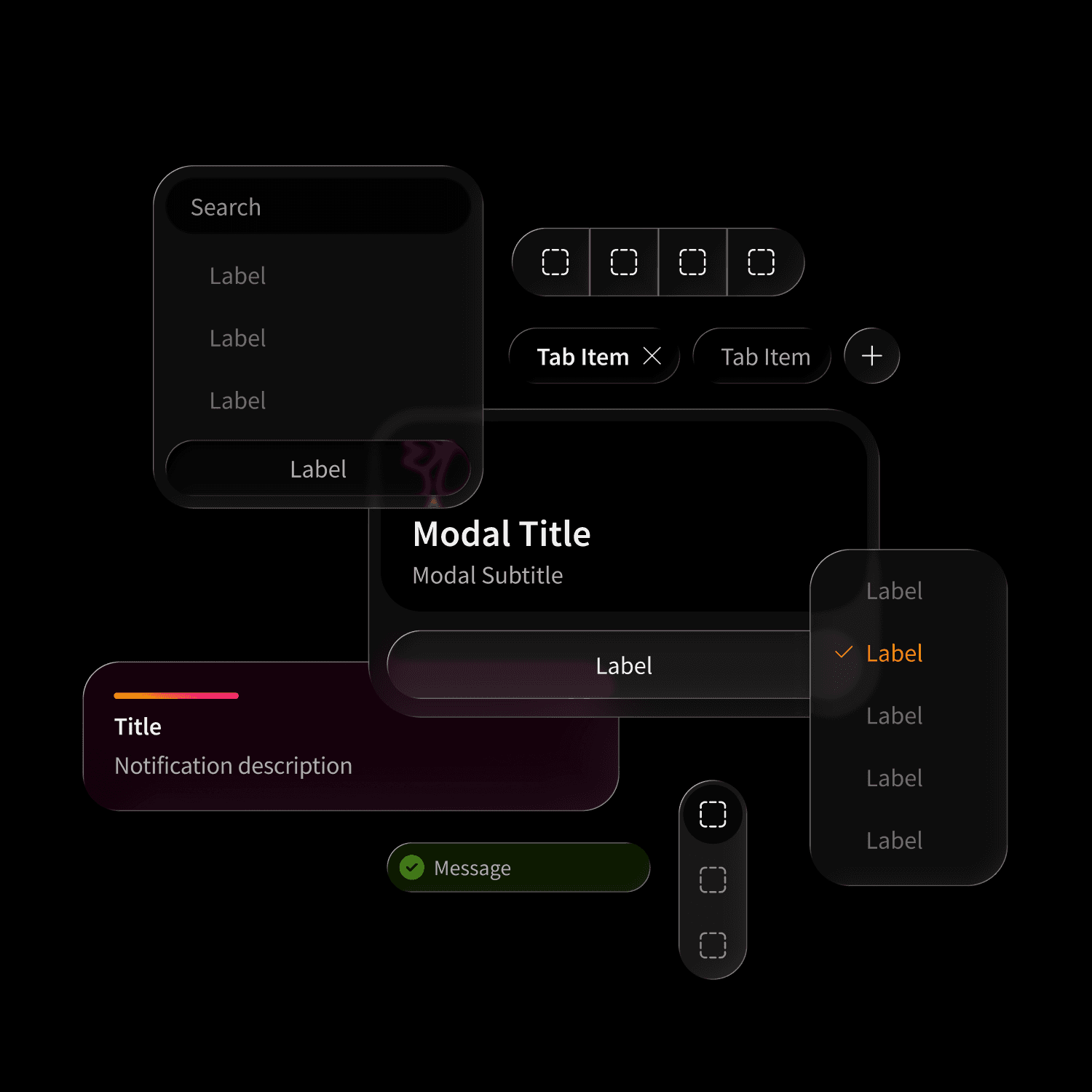
Mockups are the first step in UI design: they combine insights from wireframes and prototypes, define views and details, and incorporate corporate design as well as product branding.
1
Mockups and wireframing
Mockups are the first step in UI design: they combine insights from wireframes and prototypes, define views and details, and incorporate corporate design as well as product branding.
2
Motion and Transition Design
Motion and transition design bring interfaces to life, make orientation easier, and reduce errors. Good animations guide users through states and create a smooth, intuitive user experience.
2
Motion and Transition Design
Motion and transition design bring interfaces to life, make orientation easier, and reduce errors. Good animations guide users through states and create a smooth, intuitive user experience.
3
UI Design Assets, Templates and Kits
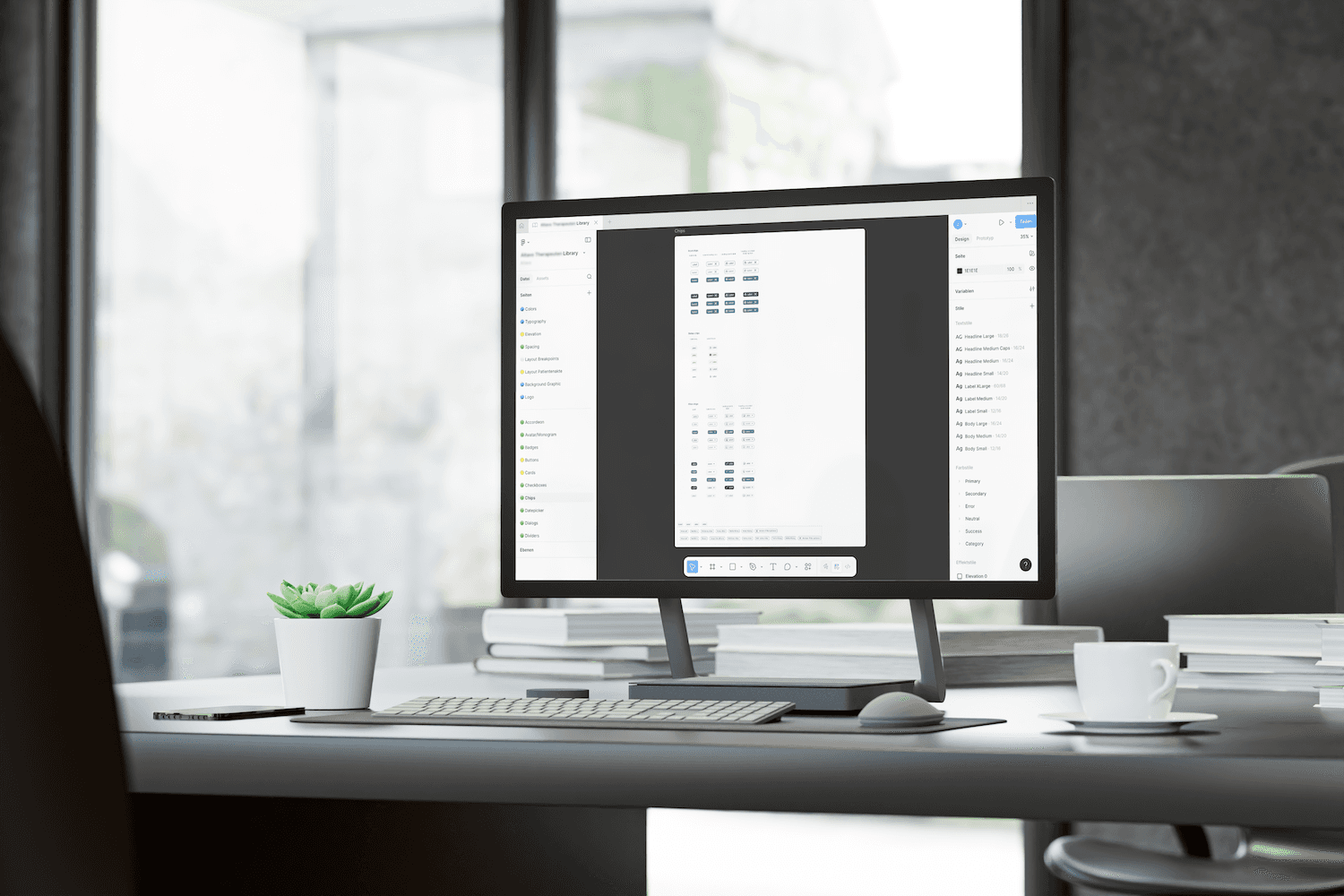
All UI elements are finalized and collected in libraries. A consistent, atomically structured design system enables the rapid creation of additional UIs and automatically applies changes across all environments.
3
UI Design Assets, Templates and Kits
All UI elements are finalized and collected in libraries. A consistent, atomically structured design system enables the rapid creation of additional UIs and automatically applies changes across all environments.
4
Design handbook and guidelines
A style guide defines the design rules of a UI: elements, spacing, states, behavior, grids, colors, and typography. It serves as the basis for the efficient development of additional digital touchpoints.
4
Design handbook and guidelines
A style guide defines the design rules of a UI: elements, spacing, states, behavior, grids, colors, and typography. It serves as the basis for the efficient development of additional digital touchpoints.
1
Mockups and wireframing
Mockups are the first step in UI design: they combine insights from wireframes and prototypes, define views and details, and incorporate corporate design as well as product branding.
2
Motion and Transition Design
Motion and transition design bring interfaces to life, make orientation easier, and reduce errors. Good animations guide users through states and create a smooth, intuitive user experience.
3
UI Design Assets, Templates and Kits
All UI elements are finalized and collected in libraries. A consistent, atomically structured design system enables the rapid creation of additional UIs and automatically applies changes across all environments.
4
Design handbook and guidelines
A style guide defines the design rules of a UI: elements, spacing, states, behavior, grids, colors, and typography. It serves as the basis for the efficient development of additional digital touchpoints.
Responsive Design
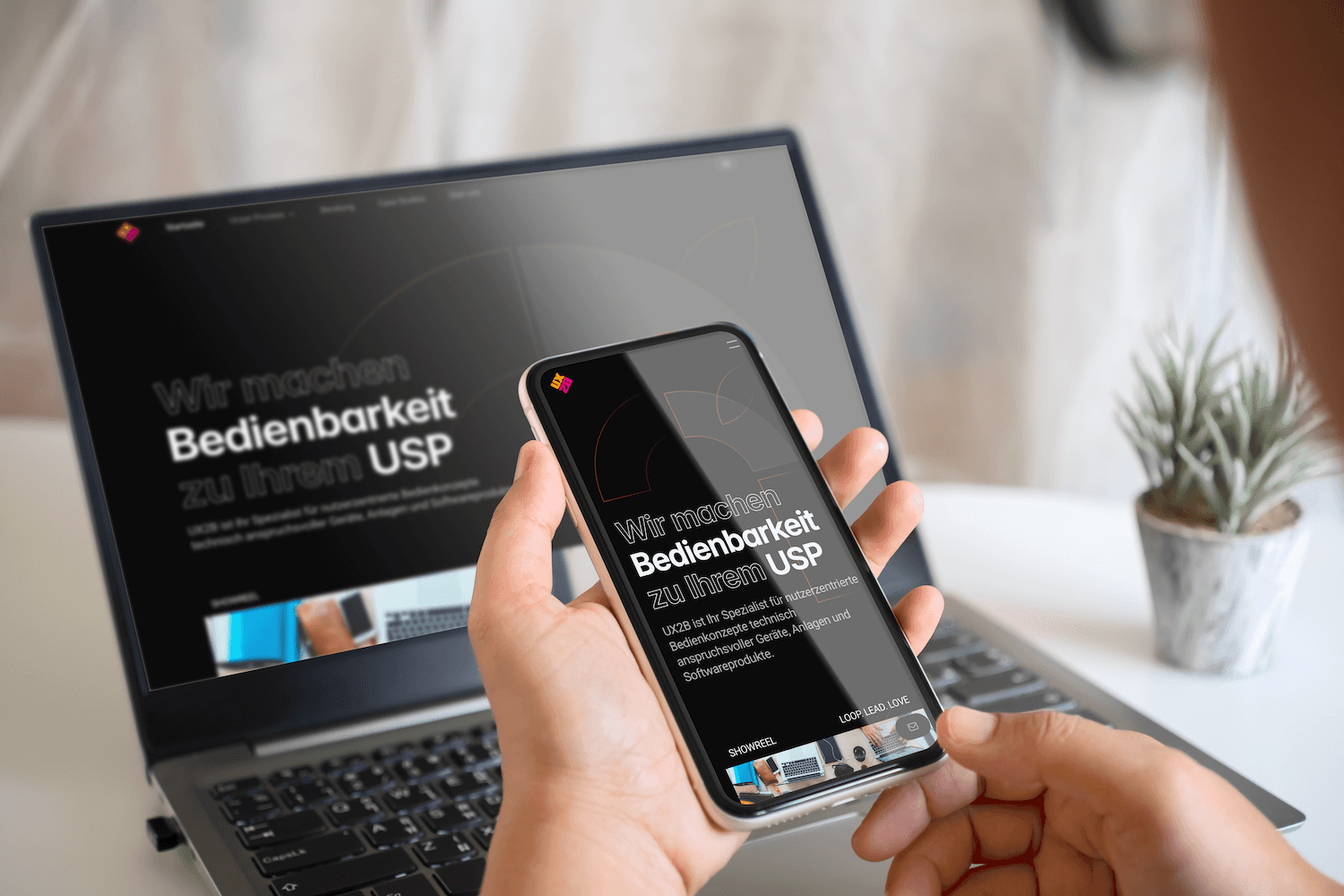
Responsive design ensures that websites and apps look and function well on any device by automatically adjusting layouts, font sizes, and controls to fit the screen size and orientation. This keeps the experience clear, fast, and accessible on smartphones, tablets, and desktops.
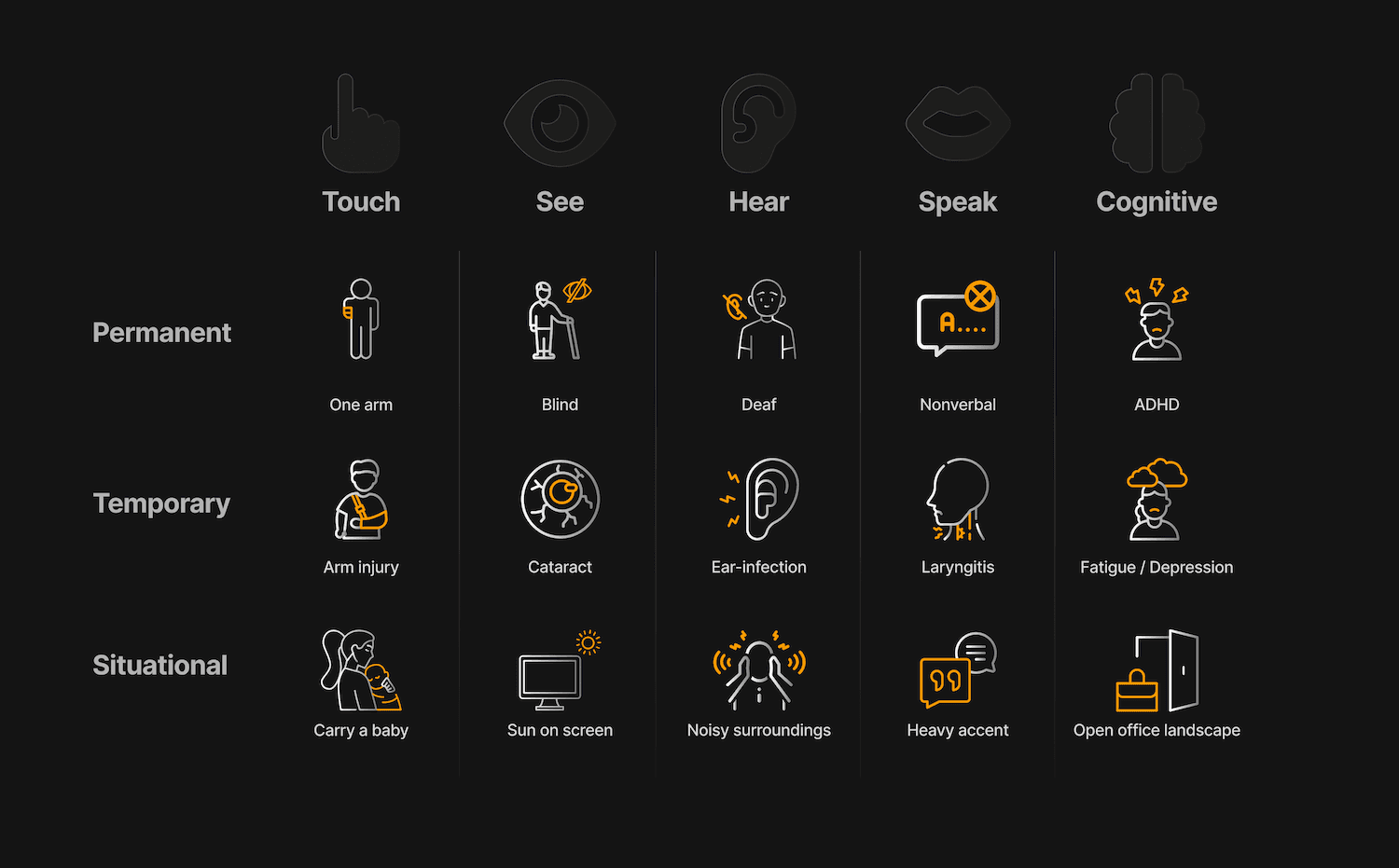
BFSG – Accessibility Strengthening Act
Atomic Design Library
Branded Guidelines
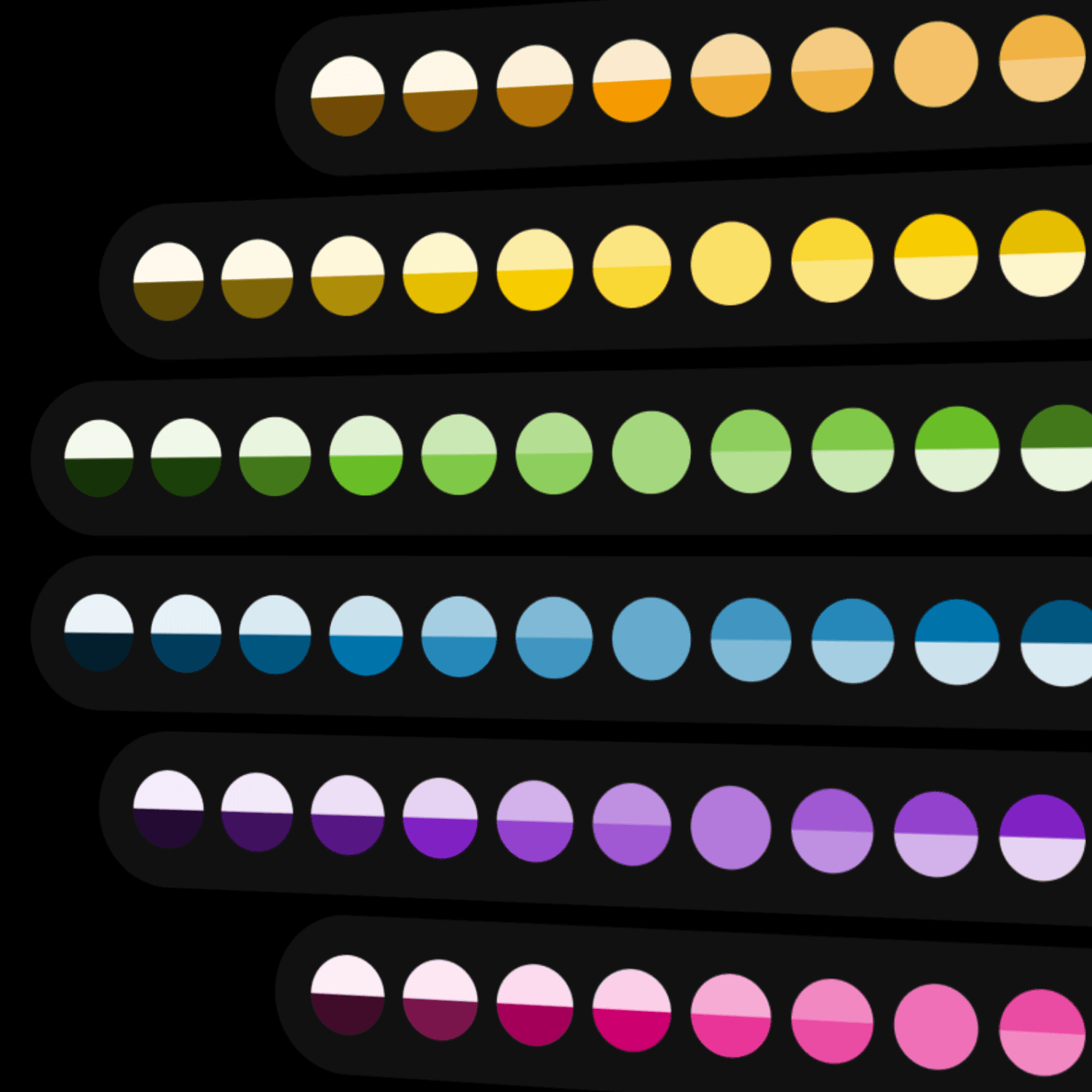
Defined color palette
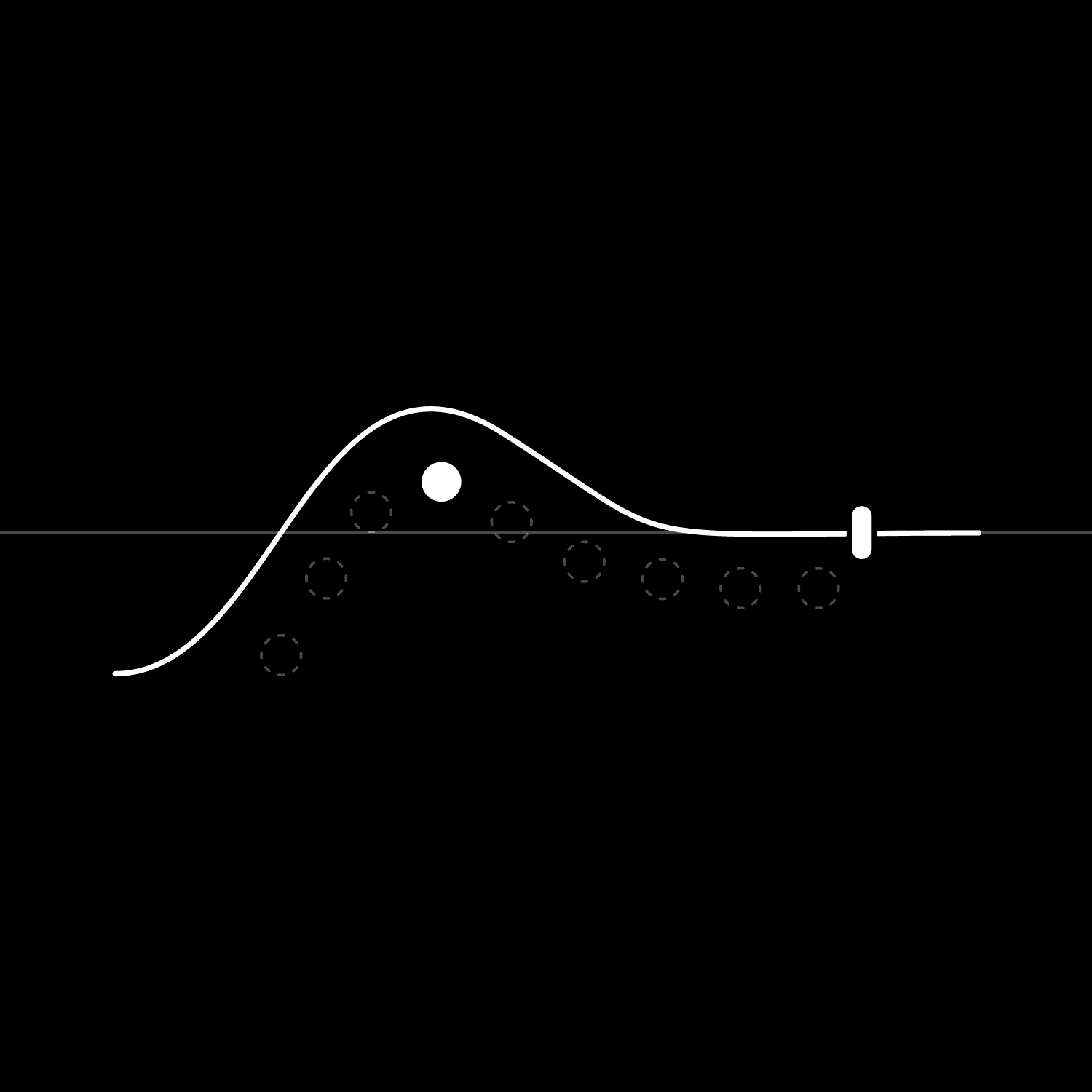
Motion Design
Defined color palette
Motion Design
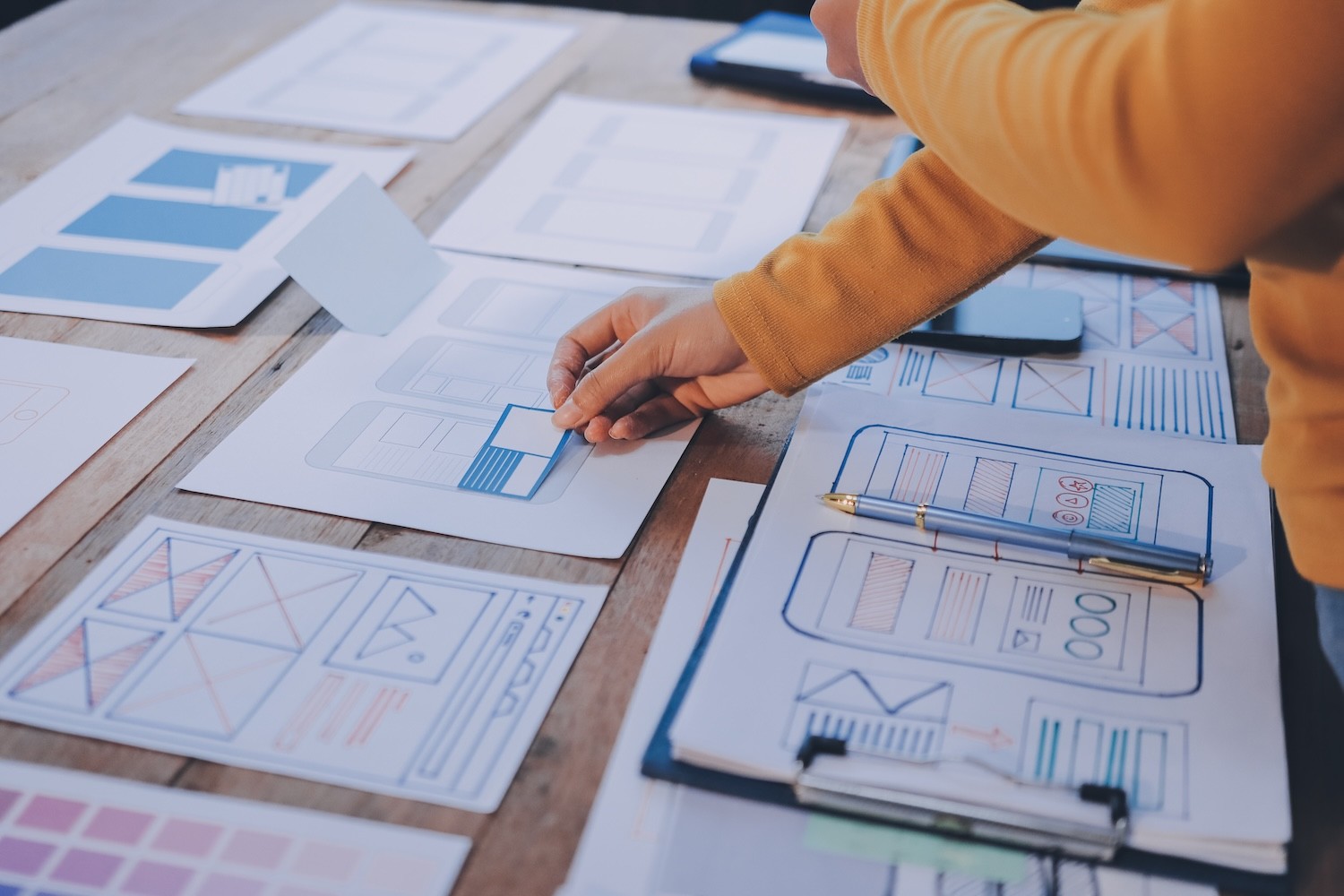
Wireframing
Industrial Systems
Wireframing
Industrial Systems
Hardware design
UX for hardware goes far beyond attractive interfaces: it shapes interaction with physical products in an intuitive and cohesive way. Ergonomics, tactile qualities, and material properties ensure that a product feels truly good.
Hardware design
UX for hardware goes far beyond attractive interfaces: it shapes interaction with physical products in an intuitive and cohesive way. Ergonomics, tactile qualities, and material properties ensure that a product feels truly good.
1
From first ideas to sketches
From initial ideas, rough sketches quickly emerge—on paper, whiteboards, or digitally. Nothing needs to be perfect yet. The goal is to freely explore shapes, interactions, and scenarios without technical limitations.
1
From first ideas to sketches
From initial ideas, rough sketches quickly emerge—on paper, whiteboards, or digitally. Nothing needs to be perfect yet. The goal is to freely explore shapes, interactions, and scenarios without technical limitations.
2
Development of a testable prototype
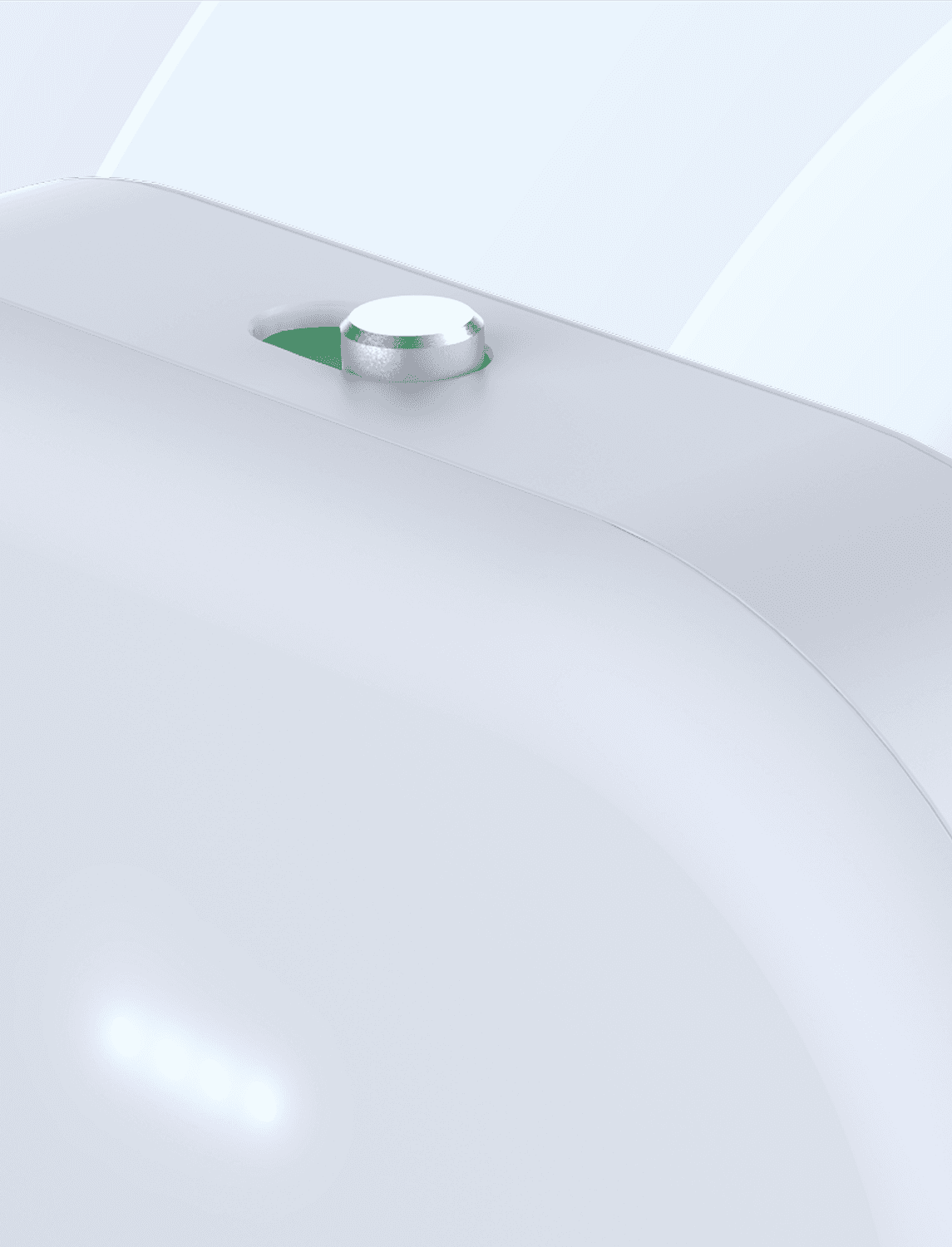
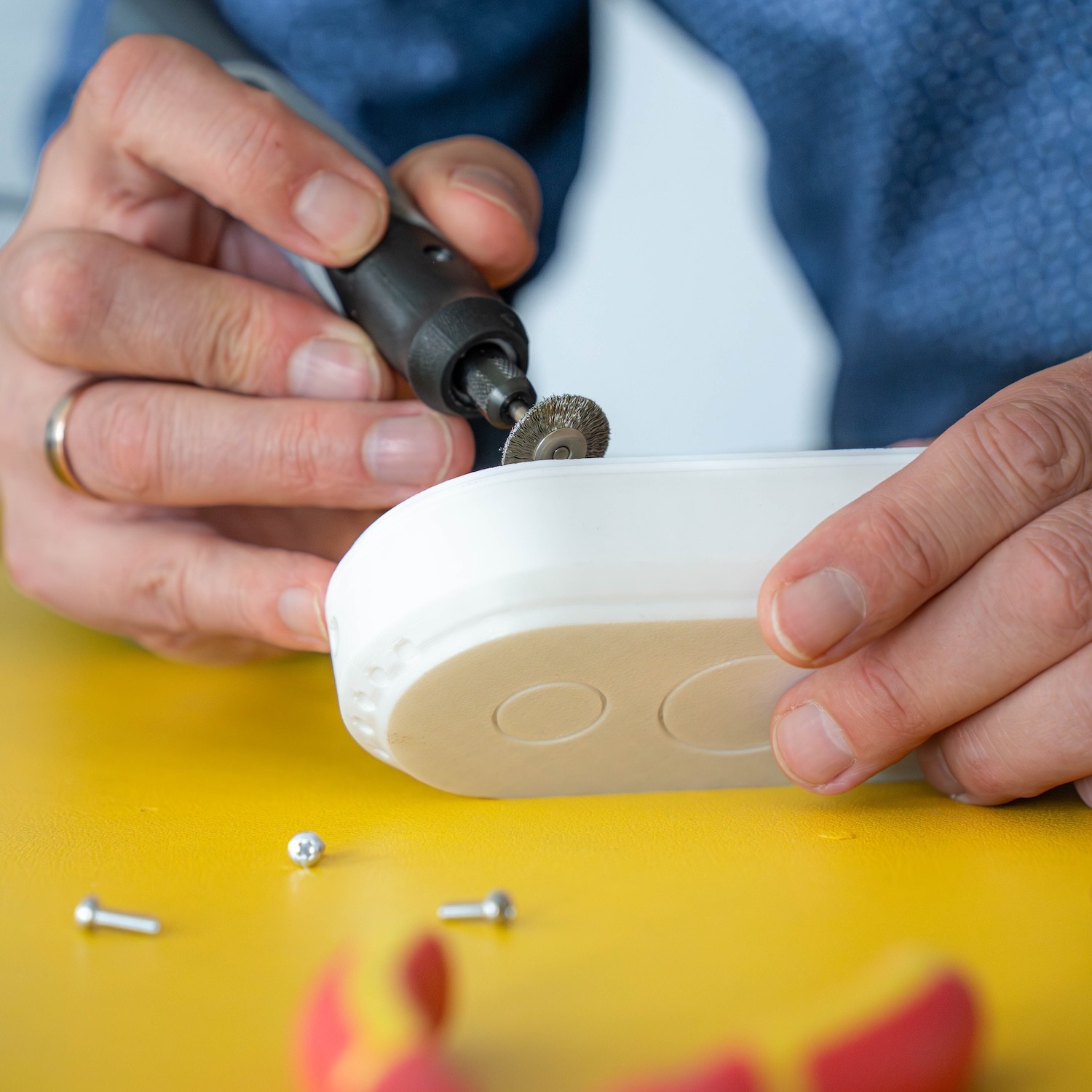
As soon as promising ideas emerge, a simple prototype is created—for example as a 3D print or simply out of cardboard. It doesn’t have to be perfect; it should make interactions tangible. Early testing uncovers usability issues and saves resources.
2
Development of a testable prototype
As soon as promising ideas emerge, a simple prototype is created—for example as a 3D print or simply out of cardboard. It doesn’t have to be perfect; it should make interactions tangible. Early testing uncovers usability issues and saves resources.

Product sketch
Digital Prototype
3D printed prototype
Graphic Design
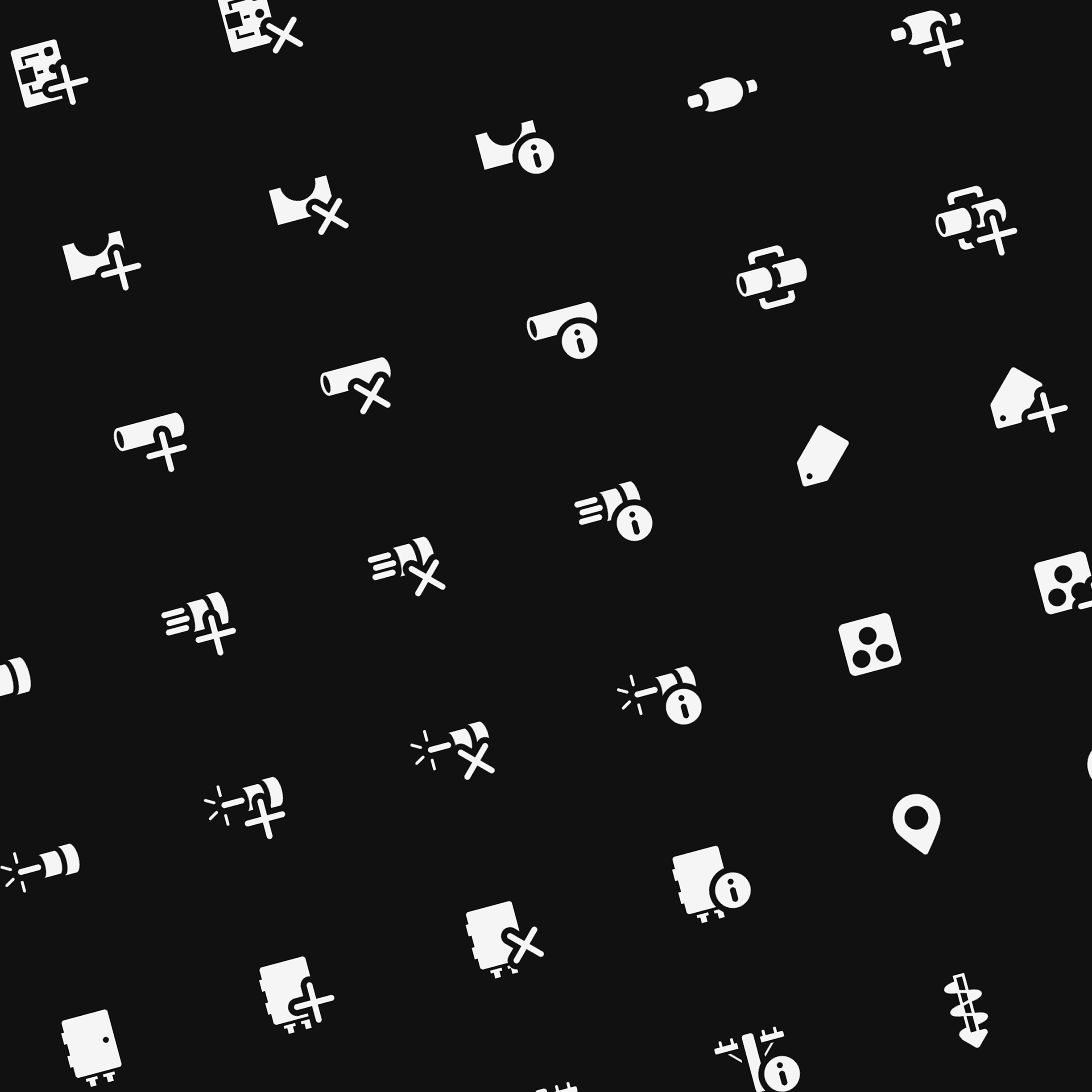
Our graphic design services are an integral part of every project: from icons and visual elements to graphics, layout, and typography. We create clear, consistent, and high-quality designs that convey your brand identity and enhance the user experience.
Graphic Design
Our graphic design services are an integral part of every project: from icons and visual elements to graphics, layout, and typography. We create clear, consistent, and high-quality designs that convey your brand identity and enhance the user experience.
Icon set
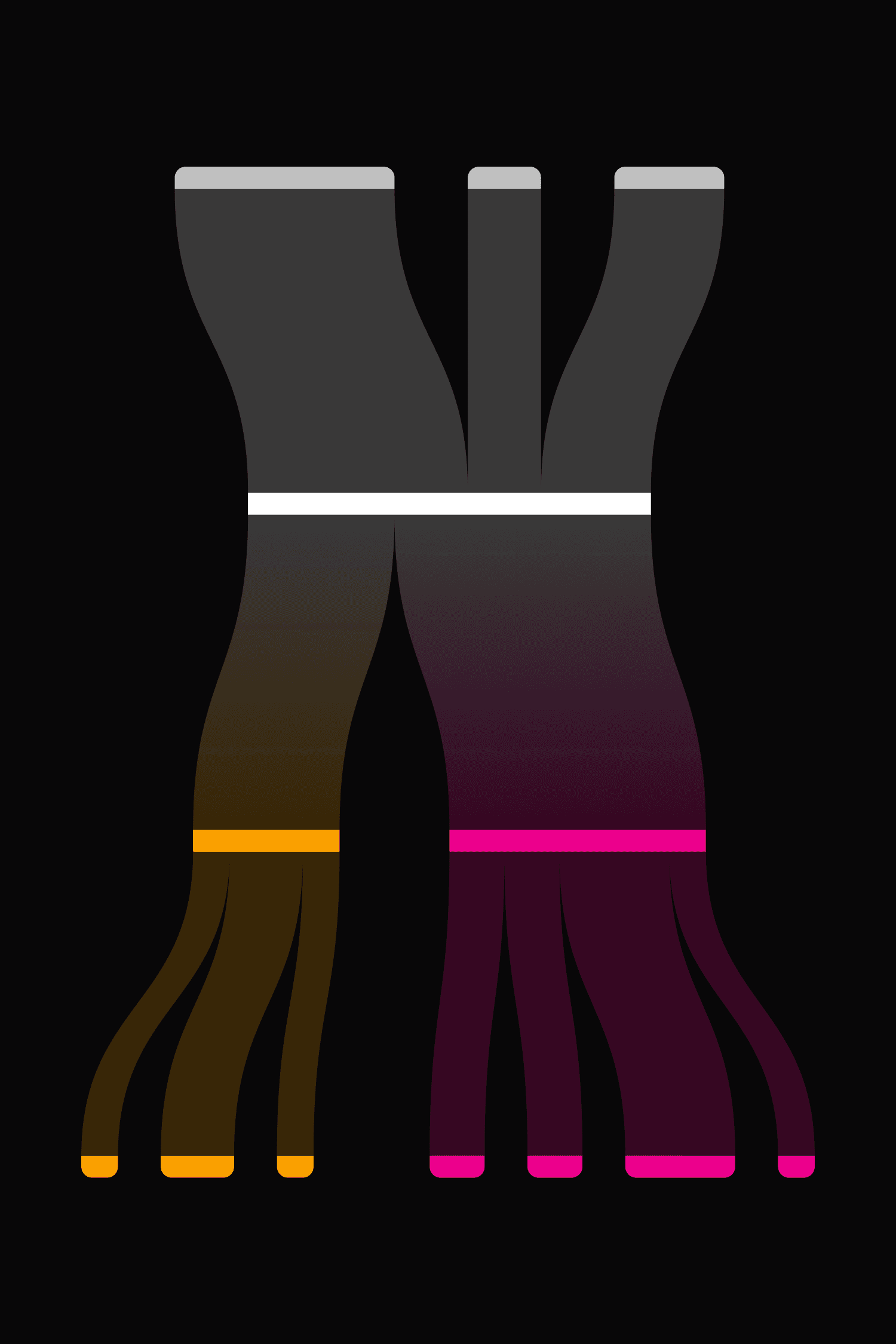
Data and infographics
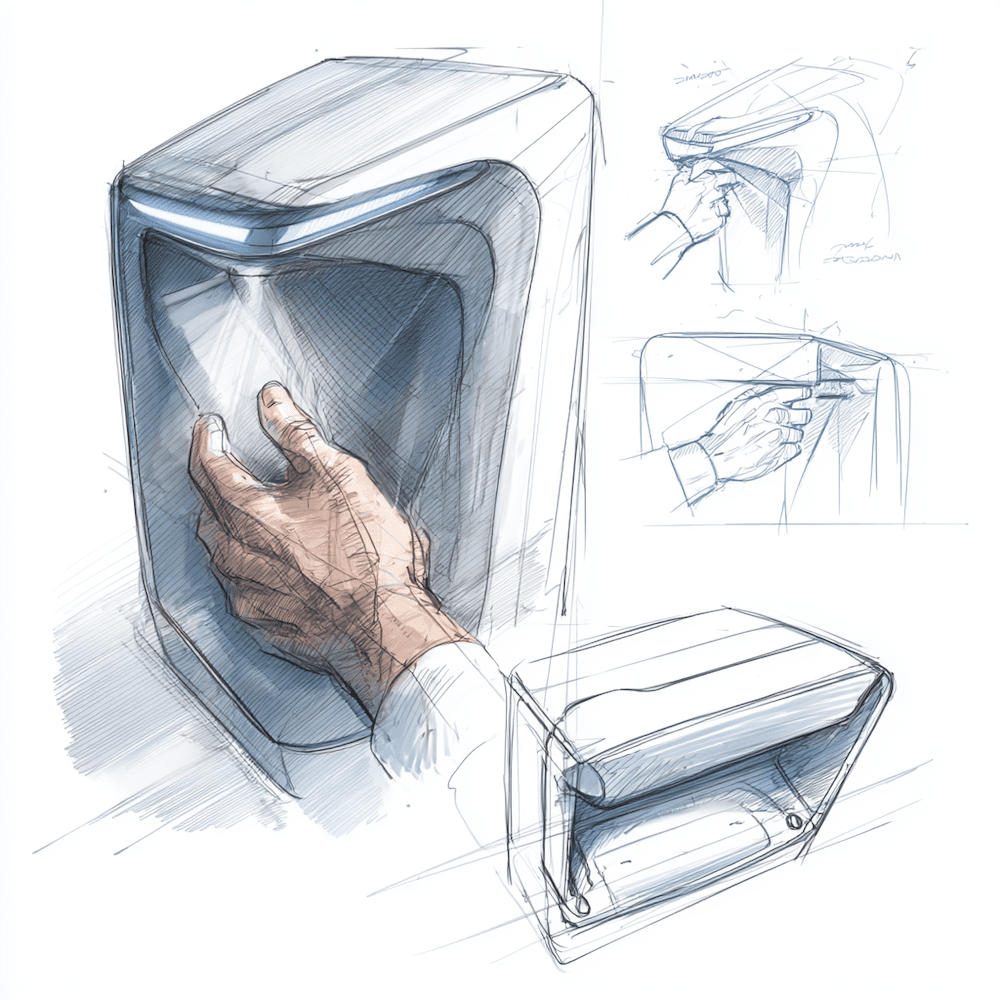
Illustrations
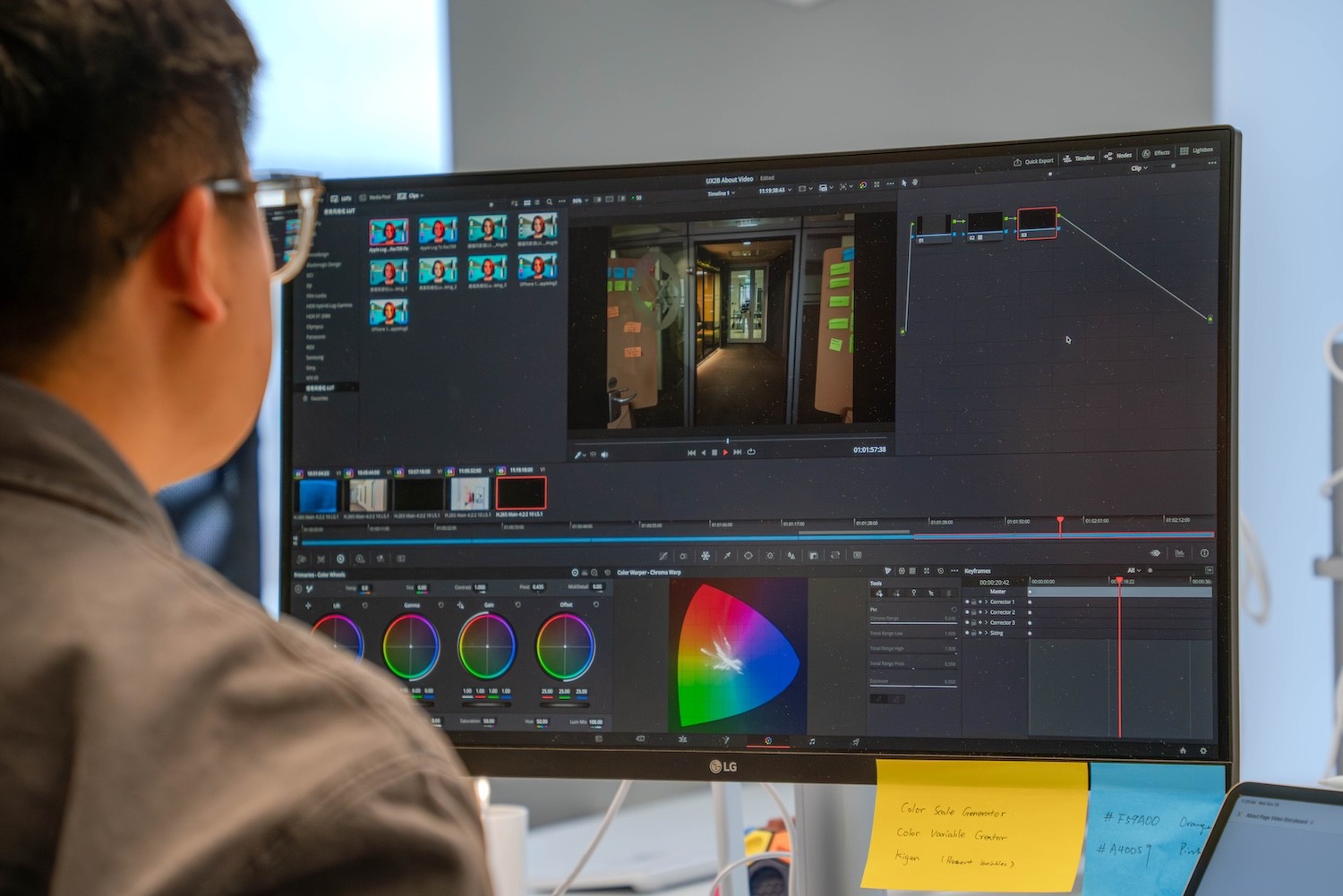
Color Grading
FAQ
What is meant by UI design?
How does UI design differ from UX design?
Why is professional UI design so important?
Can UI design measurably improve existing products?
Design is not a goal, but a means to an end.
Good design is based on smart ideas and continuously evolves through user testing.
Design is not a goal, but a means to an end.
Good design is based on smart ideas and continuously evolves through user testing.
Design is not a goal, but a means to an end.
Good design is based on smart ideas and continuously evolves through user testing.